by Team MedSure | Jul 4, 2025 | Ayuda de la aplicación
Regresar a la Página de Ayuda Paso 1 Vaya a la página de Información de su cuenta haciendo clic en el ícono con suss iniciales en la esquina superior derecha de la página de inicio. Paso 2 En la parte inferior de la pantalla de Información de la cuenta, seleccione...

by Team MedSure | Jun 9, 2025 | News
MedSure Systems Named to UCLA Alumni Association’s Bruin Business 100 We’re proud to announce that MedSure Systems has been recognized as one of The UCLA Alumni Association’s Bruin Business 100, an honor that highlights the achievements of standout businesses...

by Team MedSure | Jan 14, 2025 | News
Groundbreaking Joint Effort Integrates Personalized Medication Packaging and Cutting-Edge Medication Management Technology for Unparalleled Patient Care East Rutherford, NJ, United States, January 14, 2025 — In a game-changing move, PersonalRX®, a...
by Team MedSure | Dec 10, 2024 | News
Justin Monger Recognized as Finalist for 2025 Innovation Awards DALLAS, TX, UNITED STATES, December 10, 2024 — Justin Monger, Founder and CEO of MedSure Systems, has been named a finalist for the prestigious 2025 Innovation Awards in the Startup Leader of the...
by Team MedSure | Oct 25, 2024 | News
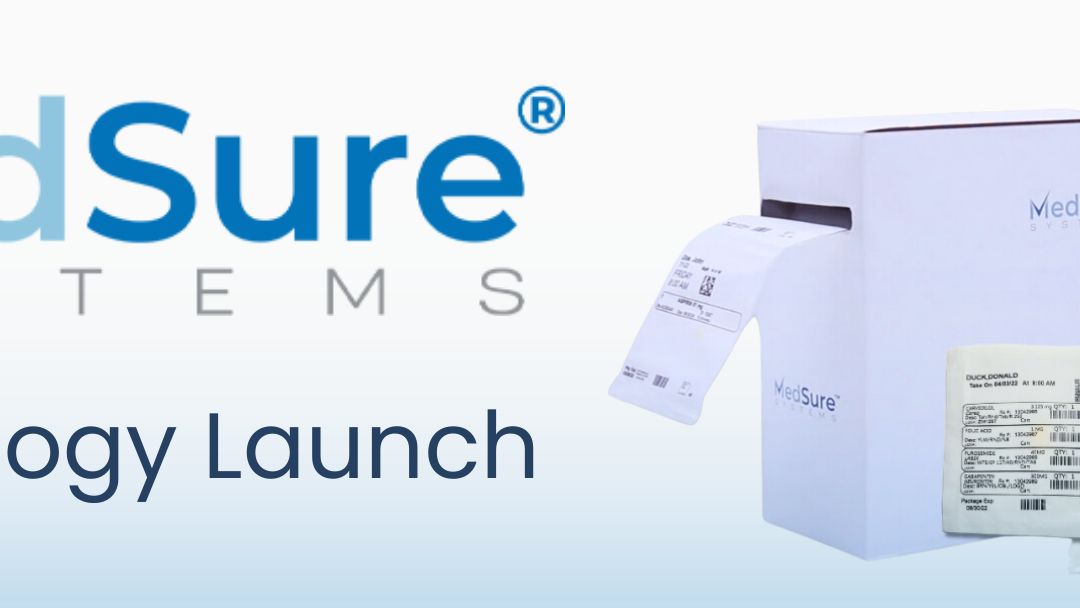
MedSure Systems New Medication Adherence Technology Launches After Successful Patient Trial Patients Highlight Easy-to-Use Automatic System that Makes Managing and Taking Medications Simple DALLAS, TX, UNITED STATES, October 23, 2024 MedSure Systems, an...