
Step 1
Tap the gear icon in the top-right corner to open Settings.

Step 2
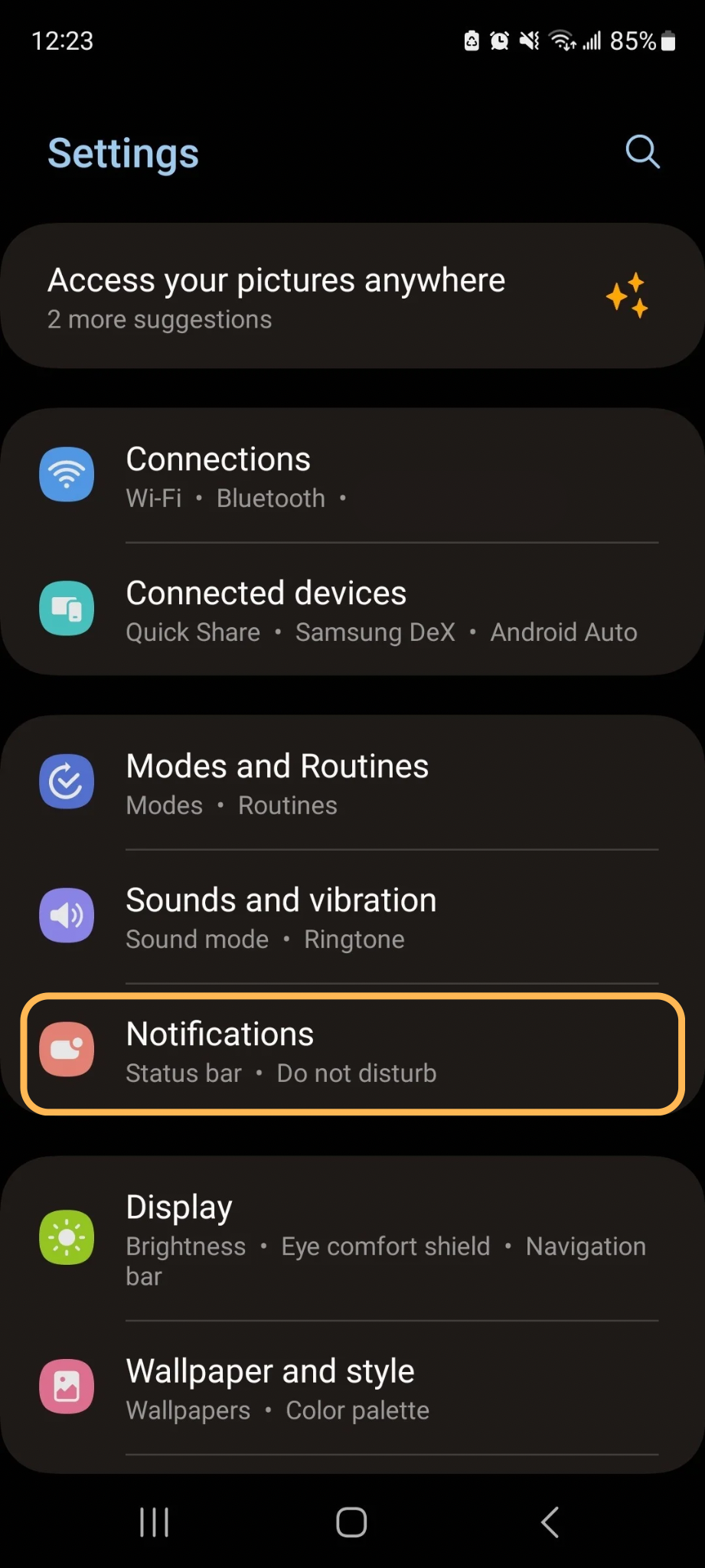
Select “Notifications.”
Step 3
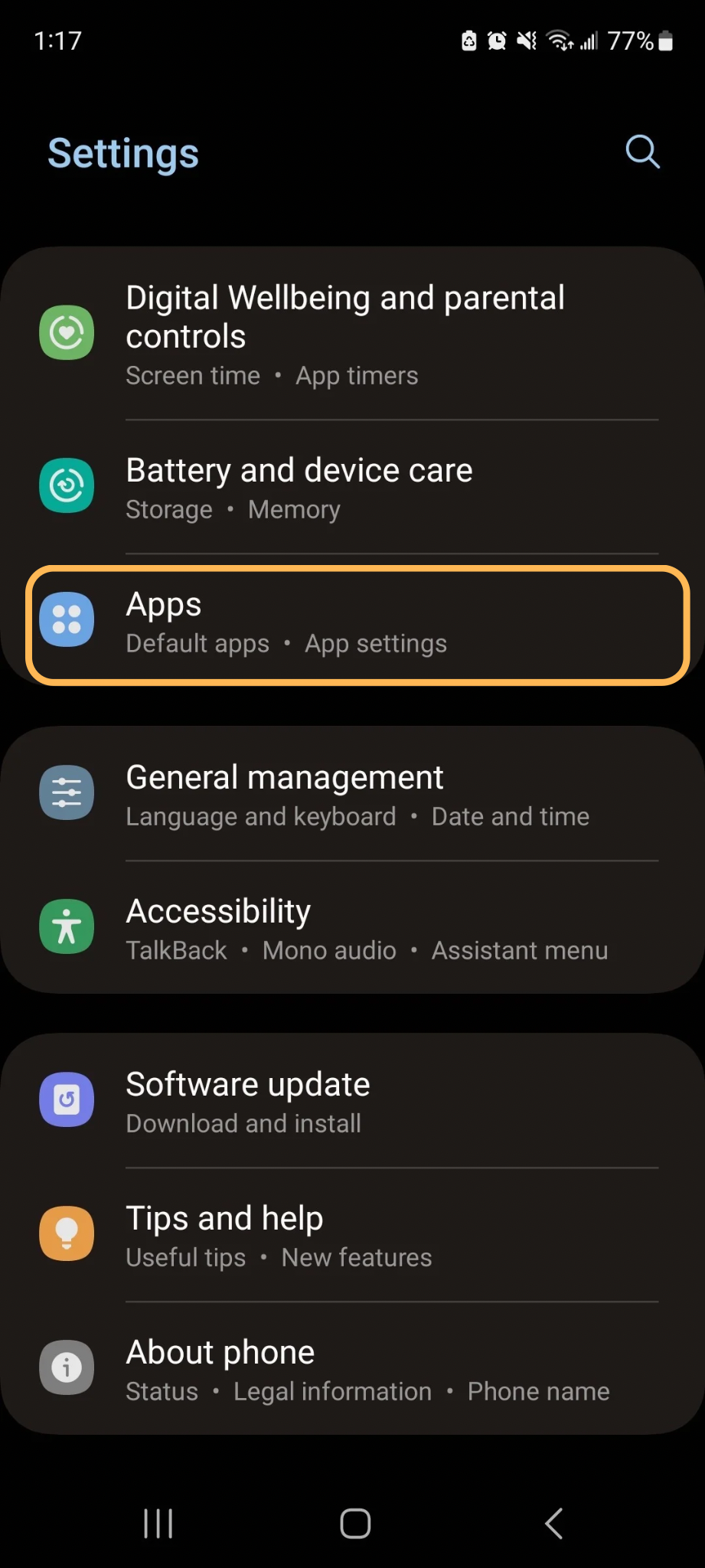
Scroll down and select “Apps.”
Step 4
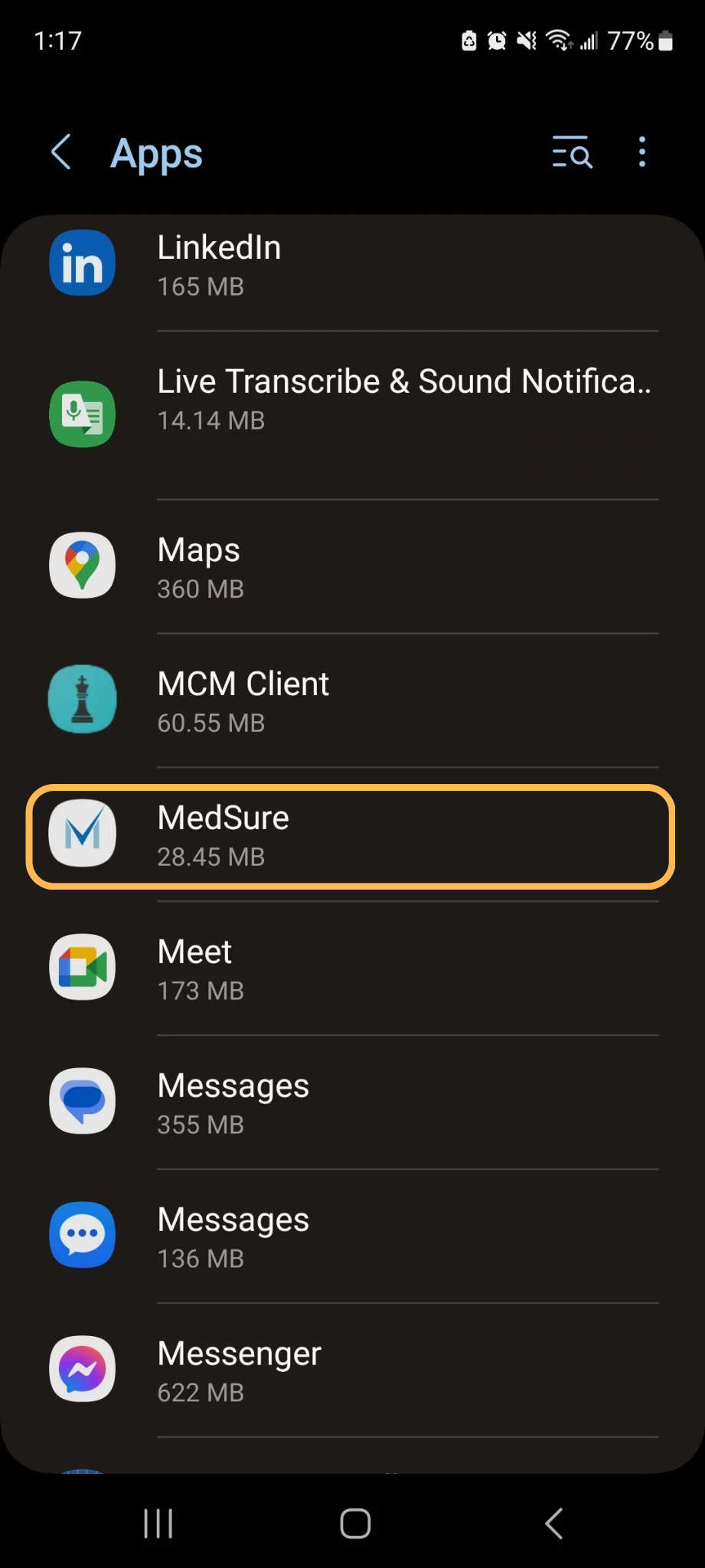
In the Apps list, scroll to find “MedSure.”
Step 5
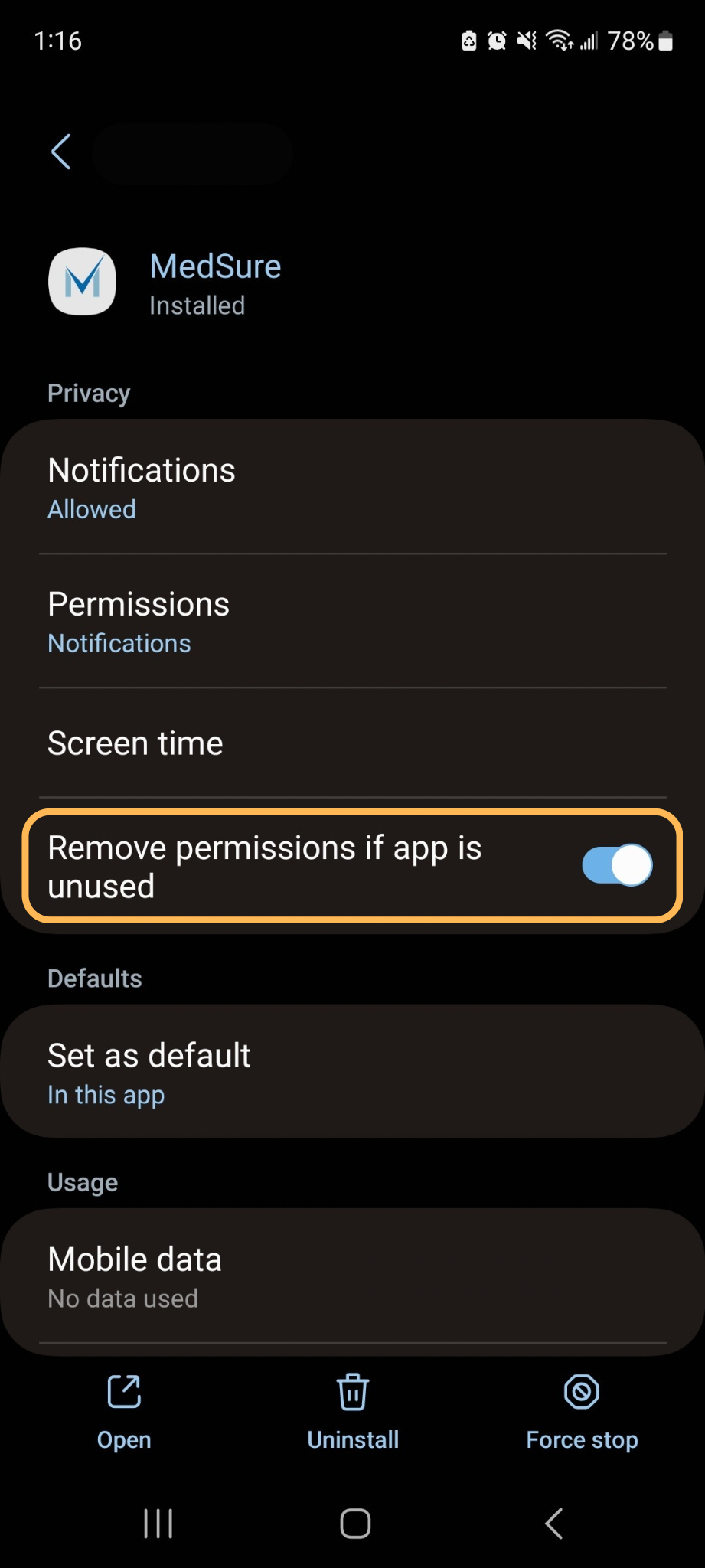
Below Privacy options, click on “Notifications.”
Step 6
From this screen, you can turn notifications on/off. You can also turn sounds and badges for notifications on/off.
We strongly recommend turning notifications, badges, and sounds on.
